Drlogy
Healthcare organization
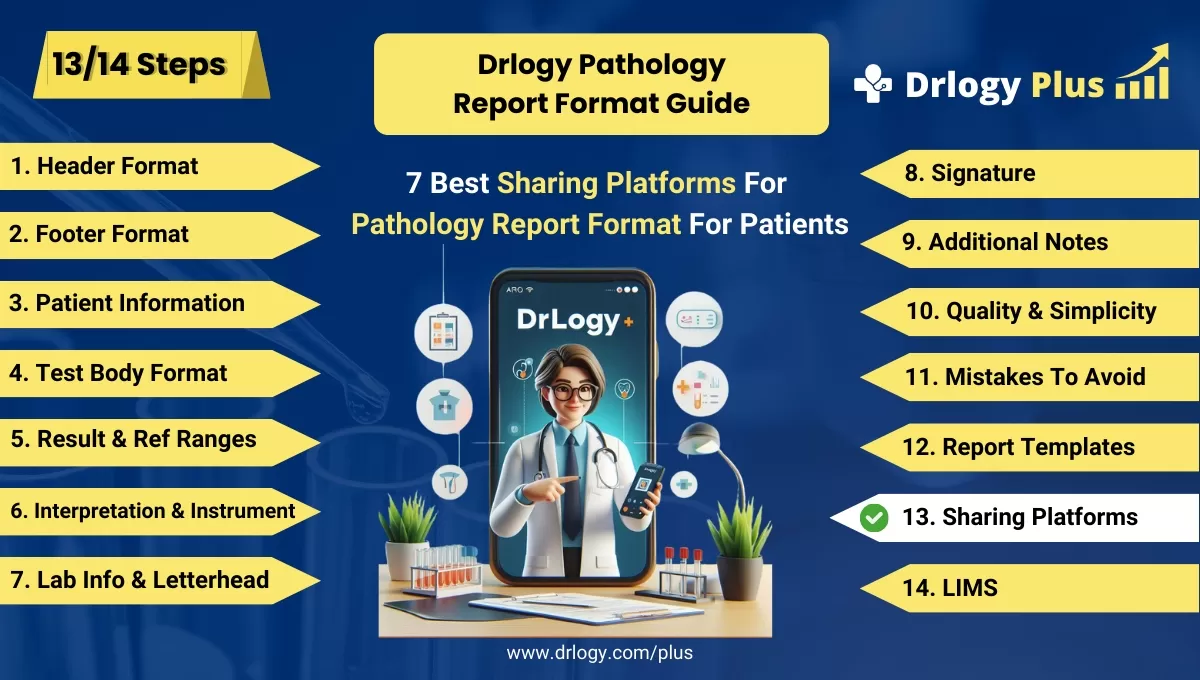
7 Best Sharing Platform For Pathology Report Format For Patients
Welcome to the 13th blog focusing on Sharing platforms in pathology report format design. In facilitating report sharing with patients, an efficient platform is essential for seamless communication for sharing reports to patients or handing results to them..
Recommended
In this Drlogy Pathology Report Format, we'll explore user-friendly sharingeas, ensuring patients access their pathology reports conveniently while upholding data privacy and confidentiality.
7 Best Sharing Platform For Pathology Report Format For Patients
Here are 7 Best Sharing Platform For Pathology Report Format For Patients.
| Sharing Platform | Description |
|---|---|
| Direct Contact | Communicateectly with the patient |
| Courier or FAX | Send reports pdf via traditional mail or fax |
| SMS | Share reports summary via text messages |
| Transmit reports pdf via email | |
| Share reports pdf through WhatsApp. | |
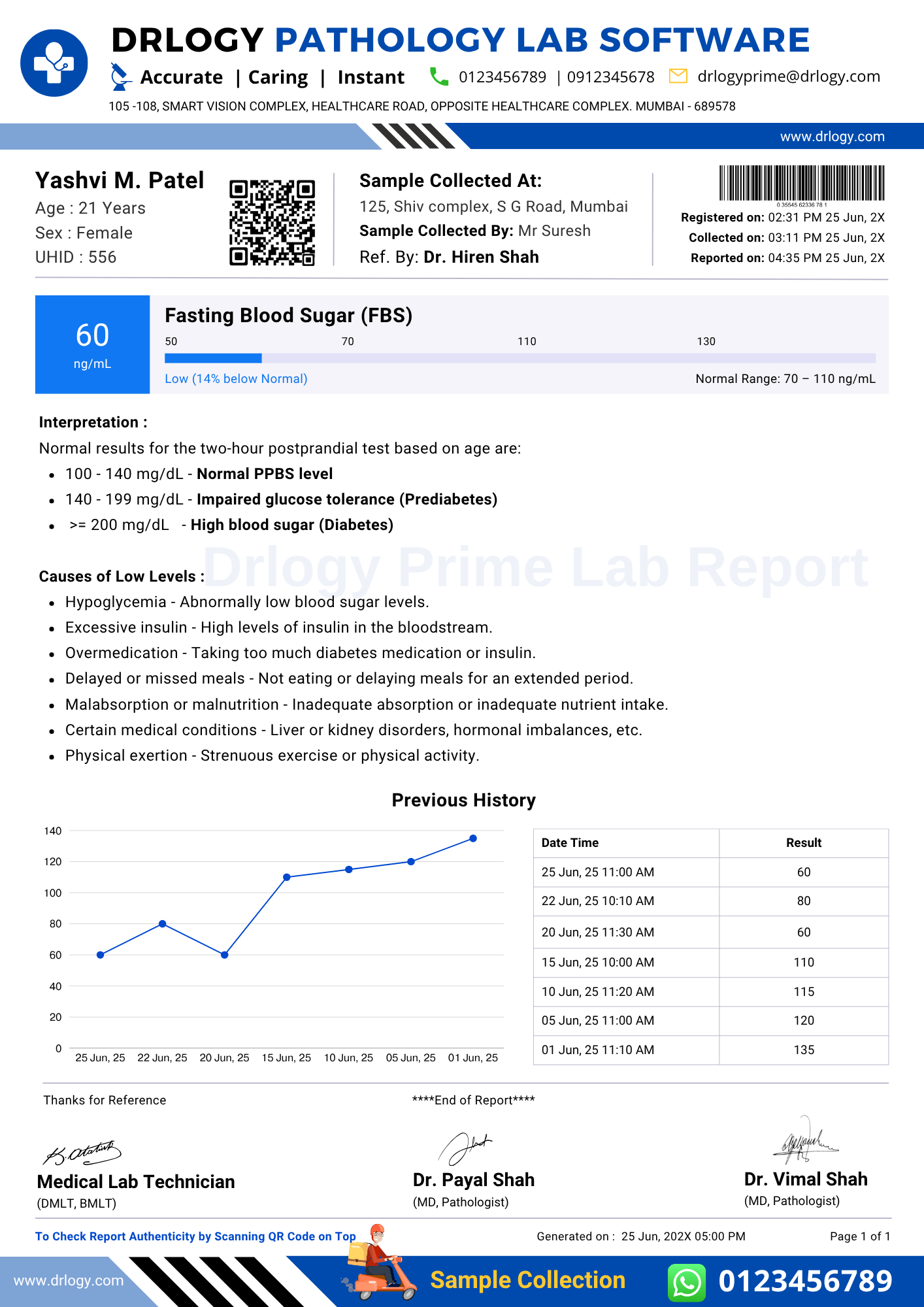
| QR Code & Patient Portals | Utilize QR codes or patient portals for access |
| Mobile App | Offer dedicated mobile applications for report sharing |
1.ect Contact:
- Personally hand over the report to the patient.
- Conduct face-to-face discussions regarding the findings.
- Provide an opportunity for immediate clarification and questions.
- Ensure privacy and confidentiality during the interaction.
- Offer reassurance and support as needed.
2. Courier or FAX:
- Send physical copies of the report via postal mail or courier services.
- Utilize fax machines to transmit reports quickly and securely.
- Ensure proper packaging to protect the confidentiality of the report.
- Include clear instructions for handling and accessing the report.
- Confirm receipt of the report and address any delivery issues promptly.
3. SMS:
- Send a text message containing a summary or notification of report availability.
- Provide a link or instructions for accessing the full report securely.
- Ensure compliance with data privacy regulations when sending sensitive information.
- Use conciseuage to convey important information in a limited space.
- Offer options for further assistance or clarification if needed.
4. Email:
- Transmit the pathology report as an attachment via email.
- Ensure encryption or password protection for added security.
- Include a brief message introducing the report and its significance.
- Provide contact information for follow-up questions or concerns.
- Encourage patients to confirm receipt and review the report promptly.
5. WhatsApp:
- Share the report through WhatsApp messaging, ensuring data privacy.
- Use WhatsApp's encryption features to protect sensitive information.
- Provide clear instructions for accessing and opening the report attachment.
- Maintain professionalism and clarity in all communications.
- Encourage patients to reach out with any questions or concerns.
6. QR Code & Patient Portals:
- Generate a QR code linked to the patient's pathology report.
- Allow patients to scan the QR code for instant access to their reports.
- Implement secure patient portals where reports can be accessed online.
- Ensure user authentication and encryption to protect patient data.
- Provide instructions for using QR codes or accessing reports through the patient portal.
7. Mobile App:
- Offer a dedicated mobile application for accessing pathology reports.
- Provide a user-friendly interface for easy navigation and report viewing.
- Ensure compatibility with various mobile devices and operating systems.
- Implement security measures such as biometric authentication or PIN codes.
- Include features for viewing past reports, scheduling appointments, and contacting healthcare providers.
10 Mistakes Avoided For Pathology Report Format Sharing With Patients
Here are 10 Mistakes To Avoided For Pathology Report Format Sharing With Patients.
- Sharing reports through insecure or non-compliant communication channels, compromising patient privacy.
- Failing to obtain proper consent from patients before sharing their reports with third parties.
- Sending reports to incorrect recipients due to oversight or data entry errors.
- Not providing clear instructions on how patients can access their reports securely.
- Sharing reports without ensuring proper encryption or password protection, risking data breaches.
- Ignoring patient preferences for how they wish to receive their reports.
- Sending reports with unclear or incomplete information, leading to confusion for patients.
- Failing to follow up to confirm receipt of the report, leaving patients unsure if they received it.
- Sharing reports without offering support or guidance for understanding the information contained within.
- Neglecting to address patient concerns or questions promptly after sharing the report.
Dos vs Don't For Sharing Platform For Pathology Report Format
Here are some Dos vs Don't For Sharing Platform For Pathology Report Format.
| Dos | Don'ts |
|---|---|
| Ensure secure and encrypted transmission of reports | Share reports through unsecured channels |
| Obtain explicit consent from patients before sharing reports | Share reports without patient consent |
| Provide clear instructions on how patients can access their reports | Leave patients without guidance on report access |
| Respect patient preferences for report delivery method | Ignore patient preferences for report delivery |
| Follow up to confirm receipt of the report | Fail to confirm receipt of the report with patients |
| Maintain patient confidentiality at all times | Compromise patient privacy when sharing reports |
| Offer support and guidance for understanding report findings | Share reports with unclear or incomplete information |
Pathology Report Format Guide
Here are 14 steps guide for designing a pathology lab report format from A to Z.
Summary
Overall, In sharing pathology reports, prioritize secure and encrypted channels to safeguard patient privacy and obtain explicit consent beforehand. Additionally, provide clear instructions and support for patients to access and understand their reports effectively.
Check Drlogy Pathology Report Format Guide For A to Z information regarding how to make proper report format structure to implementation of report format into you lab work.




