Drlogy
Healthcare organization
7 Lab Info & Letterhead Placement Tips For Pathology Report Format
Welcome to the 7th blog focusing on Lab Info & Letterhead Placement Tips for pathology report format design. Effective lab Info and letterhead placement in pathology reports are crucial for ensuring a positive impact on patient care and perception.
Recommended
In this Drlogy Pathology Report Format, we'll explore the importance of lab Info and letterhead placement, which play a vital in establishing a professional image, fostering trust, and enhancing the credibility of the laboratory, thereby positively influencing patient care and perception.
7 Lab Info & Letterhead Placement Tips For Pathology Report Format
Here are 7 Lab Info & Letterhead Placement Tips For Pathology Report Format.
| Aspect | Tips |
|---|---|
| Letterhead Selection | Choose Professional Design |
| Lab Name Placement | Prominent Positioning |
| Lab Logo Placement | Strategic Placement |
| Lab Address | Clear and Visible |
| Lab Contact No | Easily Accessible |
| Lab Email | Professional Email Address |
| Lab Info | Consistent Brandentity |

1. Letterhead Selection:
- Opt for professional and visually appealing designs.
- Ensure compatibility with the overall report format.
- Select letterheads that reflect the lab's Info and image.
- Prioritize clarity and readability in font selection.
- Avoid clutter and excessive design elements.
2. Lab Name Placement:
- Position the lab name prominently at the top of the report.
- Choose a font size and that is easily readable.
- Ensure the lab name stands out without overpowering other elements.
- Maintain consistency in the placement across all reports.
- Align the lab name with Info guidelines and standards.
3. Lab Logo Placement:
- Place the lab logo strategically for maximum visibility.
- Consider placing the logo near the lab name for brand association.
- Ensure the logo size complements the overall design.
- Maintain a clear space around the logo for emphasis.
- Verify logo placement across different report layouts.
4. Lab Address:
- Include the lab address in a clear and visible location.
- Use a legible font size and for easy reading.
- Provide complete address details, including street, city, and postal code.
- Consider aligning the address with other contact information.
- Update the address as needed to reflect any changes.
5. Lab Contact No:
- Display the lab contact number prominently on the report.
- Use a font size and that ensures readability.
- Include the area code and country code for international calls.
- Ensure accuracy in the contact number provided.
- Make the contact number easily accessible for inquiries or appointments.
6. Lab Email:
- Incorporate the lab email address for communication purposes.
- Choose a professional email address that reflects the lab's Info.
- Use a legible font size and for the email address.
- Ensure accuracy in spelling and formatting.
- Provide a clickable link for quick access to the email.
7. Lab Info:
- Maintain consistent Info elements throughout the report.
- Use colors, fonts, and imagery that align with the lab's brandentity.
- Ensure all Info elements are cohesive and complementary.
- Incorporate Info guidelines into the design process.
- Leverage Info to establish credibility and trust with stakeholders.
10 Mistakes Avoided For Lab Info & Letterhead Placement
Here are 10 Mistakes Avoided For Lab Info & Letterhead Placement in Pathology Report Format.
- Overcrowding the letterhead with excessive graphics or text.
- Using distracting or unrelated images in the Info.
- Choosing overly elaborate or difficult-to-read fonts.
- Hiding or obscuring important information on the letterhead.
- Failing to ensure consistent Info elements across reports.
- Using inconsistent placement of the lab name or logo.
- Neglecting to align Info with the lab's overall image orentity.
- Ignoring readability and clarity in font selection.
- Including outdated or inaccurate contact information.
- Underestimating the importance of professional appearance in lab Info.
Dos vs Don't For Lab Info & Letterhead Placement
Here are Dos vs Don't For Lab Info & Letterhead Placement in Pathology Report Format.
| Do | Don't |
|---|---|
| Maintain a professional appearance. | Overcrowd the letterhead with graphics. |
| Ensure consistency in Info. | Use distracting or unrelated images. |
| Use clear and readable fonts. | Choose overly elaborate fonts. |
| Ensure prominent lab name placement. | Hide or obscure important information. |
| Align Info with lab's image. | Use inconsistent Info elements. |
Pathology Report Format Guide
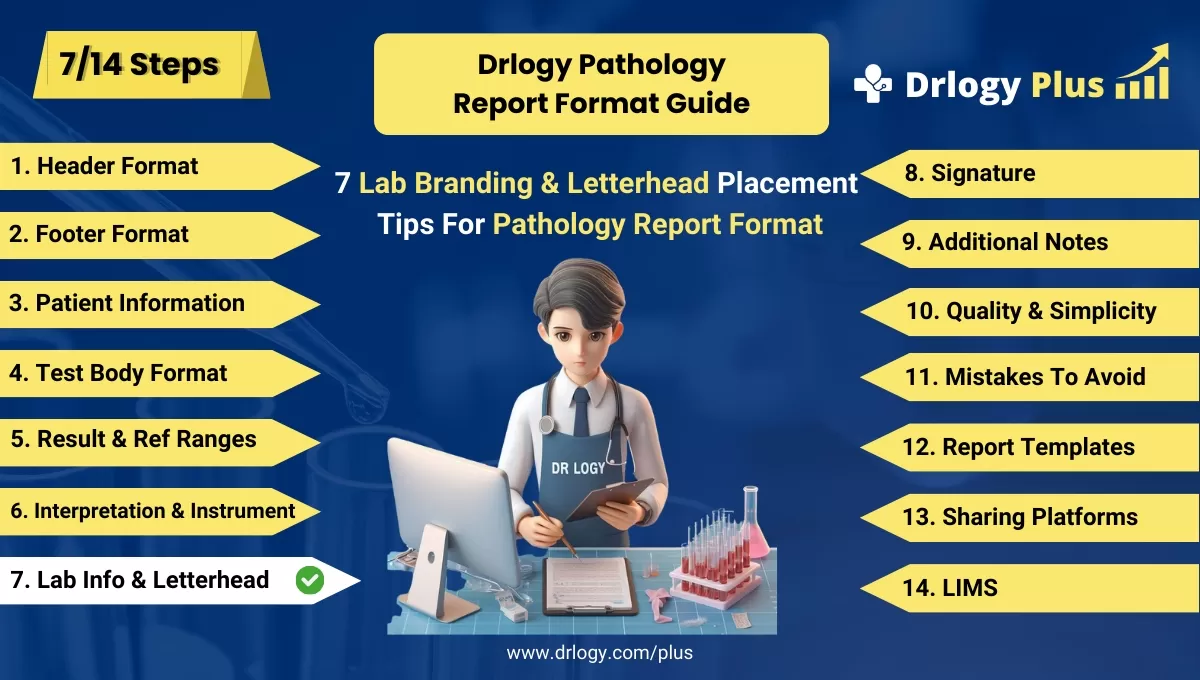
Here are 14 steps guide for designing a pathology lab report format from A to Z.
Summary
In conclusion, effective lab Info and letterhead placement contribute to the professionalism and credibility of pathology reports, bolstering trust among stakeholders and facilitating better patient care.
Check Drlogy Pathology Report Format Guide For A to Z information regarding how to make proper report format structure to implementation of report format into you lab work.




