Drlogy
Healthcare organization
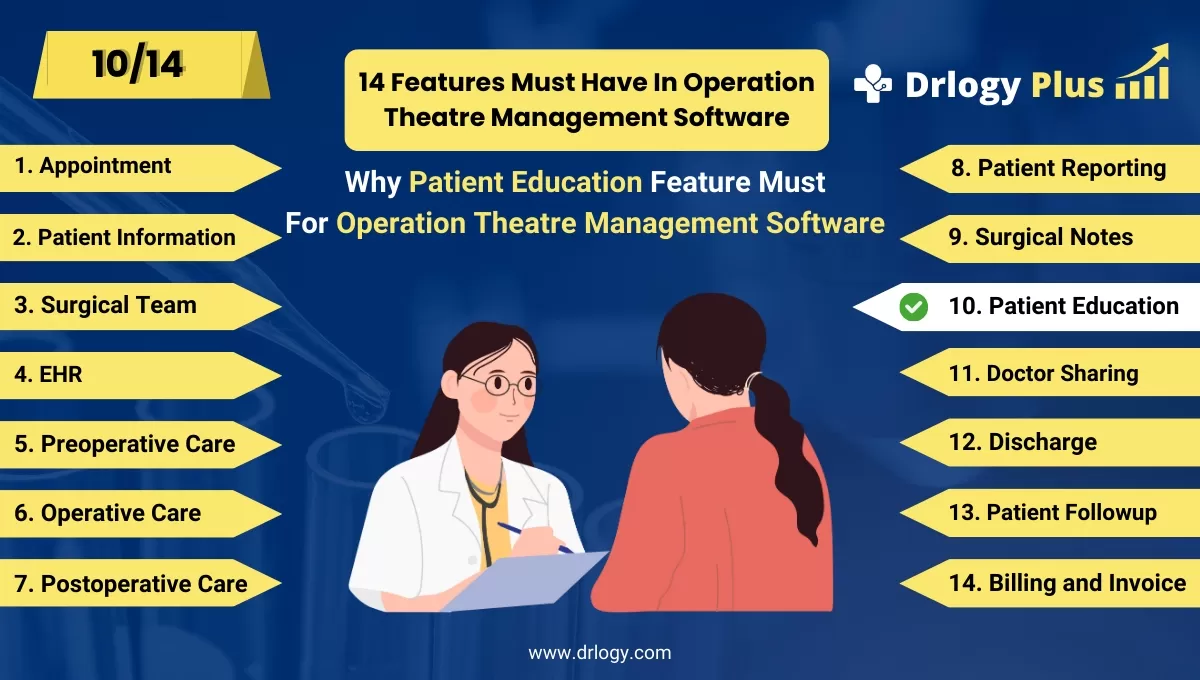
Why Patient Education Feature Must In Operation Theatre Management Software
Patient education is essential to ensure patients understand their surgical procedures, risks, and recovery plans.
Check:
An Operation Theatre Management Software with patient education features can improve patient engagement, reduce anxiety, and enhance overall care outcomes.
Check:
10 Best Patient Education Features for Operation Theatre Management Software
Check 10 Best Patient Education Features for Operation Theatre Management Software.
1. Pre-Surgery Information Modules
Provides detailed preoperative instructions for patients.
- Educates patients about the procedure, risks, and benefits.
- Helps patients prepare mentally and physically for surgery.
- Reduces preoperative anxiety with clear information.
- Ensures patients follow necessary pre-surgery protocols.
- Improves compliance with fasting, medication, and hygiene guidelines.
2. Post-Surgery Care Instructions
Offers personalized postoperative care guidelines.
- Guides patients on wound care, medications, and recovery timelines.
- Reduces the risk of complications with clear aftercare instructions.
- Provides do’s and don’ts for a smoother recovery process.
- Ensures patients understand signs of complications to report.
- Enhances patient satisfaction by addressing common concerns.
3. Visual Aids and Multimedia Content
Uses images, videos, and animations to explain procedures.
- Simplifies complex medical concepts for better patient understanding.
- Engages patients with interactive visuals.
- Demonstrates surgical steps, recovery exercises, and safety protocols.
- Supports patients withuage or literacy challenges.
- Enhances patient confidence by providing clear visual explanations.
4. Consent Form Education
Helps patients understand consent forms before signing.
- Explains medical terminology in simpleuage.
- Ensures patients are fully aware of the procedure and risks involved.
- Reduces legal risks by ensuring informed consent.
- Improves trust and transparency between patients and providers.
- Encourages patients to ask questions for better clarity.
5. Personalized Education Plans
Delivers customized educational content based on patient profiles.
- Provides tailored information according to surgery type and patient condition.
- Ensures relevance by addressing individual patient concerns.
- Helps patients manage pre-existing conditions during recovery.
- Improves patient engagement with personalized content.
- Supports better outcomes by addressing specific patient needs.
6. FAQs and Interactive Chat Support
Offers a repository of common questions with instant answers.
- Addresses patient concerns before and after surgery.
- Reduces the burden on healthcare staff by automating responses.
- Improves patient satisfaction with quick, reliable answers.
- Encourages patients to stay informed about their care journey.
- Enhances communication between patients and providers.
7. Multilingual Support
Provides educational content in multipleuages.
- Ensures patients from different linguistic backgrounds can understand the information.
- Reduces miscommunication due touage barriers.
- Improves patient compliance with pre- and post-surgery instructions.
- Enhances patient experience in multicultural settings.
- Promotes inclusivity in healthcare services.
8. Digital Handouts and Brochures
Delivers educational materials through digital platforms.
- Reduces the need for physical handouts and paper-based brochures.
- Allows patients to access information anytime from their devices.
- Ensures information is updated and accurate.
- Makes sharing information with family members easy.
- Improves patient convenience with digital accessibility.
9. Interactive Quizzes and Assessments
Tests patient understanding of pre- and post-surgery instructions.
- Ensures patients have understood the educational content.
- Identifies gaps in knowledge for further clarification.
- Encourages active learning and engagement.
- Reduces the risk of non-compliance due to misunderstandings.
- Helps healthcare providers assess patient readiness for surgery.
10. Feedback and Satisfaction Surveys
Collects patient feedback to improve education materials.
- Allows patients to share their educational experience.
- Identifies areas for improvement in patient education modules.
- Enhances trust by involving patients in care improvements.
- Helps hospitals meet patient satisfaction goals.
- Improves overall patient engagement and outcomes.
Drlogy Operation Theatre Management Software Features Guide
Here are 14 features of Operation Theatre Management Software for hospitals.
| 1. Appointment | 8. Patient Reporting |
| 2. Patient Information | 9. Surgical Notes |
| 3. Surgical Team | 10. Patient Education |
| 4. EHR | 11. Doctor Sharing |
| 5. Preoperative Checklists | 12. Discharge |
| 6. Operative Preparation | 13. Patient Followup |
| 7. Postoperative Care | 14. Billing and Invoicing |
Summary
Overall, Incorporating patient education features in Operation Theatre Management Software enhances patient engagement, compliance, and care outcomes by providing clear, personalized, and accessible information before and after surgery.
Check Drlogy Operation Theatre Management Software Features Guide for efficient inpatient management and enhanced patient care for your clinics and hospitals for patient management.




