Drlogy
Healthcare organization
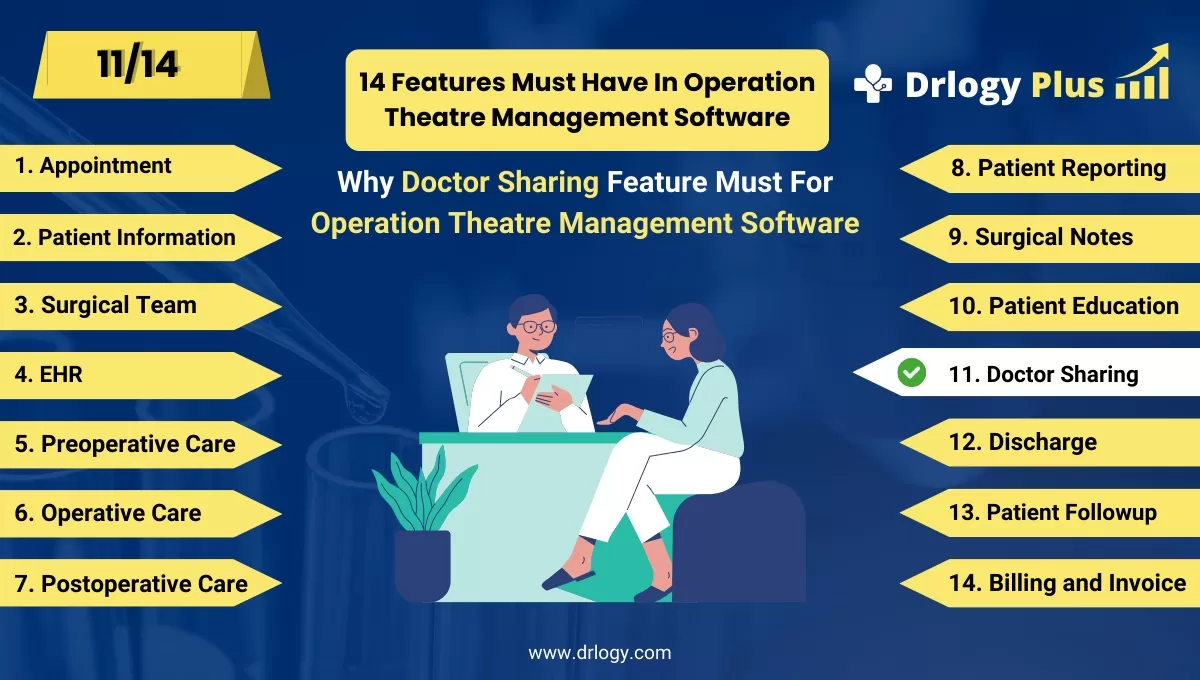
Why Doctor Sharing Feature Must In Operation Theatre Management Software
Doctor sharing features in Operation Theatre Management Software streamline collaboration by allowing multiple healthcare professionals to access, share, and update critical patient data in real time.
Check:
These features ensure better communication, faster decision-making, and improved surgical outcomes.
Check:
10 Best Doctor Sharing Features for Operation Theatre Management Software
Check 10 Best Doctor Sharing Features for Operation Theatre Management Software.
1. Real-Time Case Sharing
Allows doctors to share patient cases instantly with other specialists.
- Facilitates quick consultation and second opinions.
- Ensures timely decision-making during critical surgeries.
- Enhances collaboration between doctors across departments.
- Reduces delays in sharing essential medical information.
- Improves overall patient care and outcomes.
2. Secure Document Sharing
Enables doctors to share medical reports, surgical notes, and images securely.
- Ensures data privacy and compliance with medical regulations.
- Prevents unauthorized access to patient information.
- Simplifies the sharing of large files like MRI and X-ray images.
- Reduces the need for physical document transfers.
- Enhances collaboration by providing instant access to critical documents.
3. Multi-Doctor Access to Surgical Notes
Provides multiple doctors with access to the same surgical notes in real time.
- Helps in multidisciplinary treatment planning.
- Ensures all involved doctors have up-to-date patient information.
- Reduces communication gaps between healthcare professionals.
- Improves continuity of care for patients.
- Enhances documentation accuracy and consistency.
4.-Based Access Control
Allows administrators to set specific access levels for different doctors.
- Ensures that only authorized doctors can view or edit patient data.
- Protects sensitive information from unauthorized access.
- Customizes access based on a doctor’s in the surgery.
- Enhances security and compliance with medical guidelines.
- Simplifies the management of user permissions.
5. Collaborative Surgical Planning
Facilitates joint planning of surgeries by multiple doctors.
- Allows doctors to review surgical plans and provide input.
- Improves the accuracy of surgical procedures.
- Enhances teamwork between surgeons, anesthetists, and specialists.
- Reduces the risk of surgical errors through collective insights.
- Increases patient safety and care quality.
6. Instant Notifications for Updates
Notifies doctors instantly about updates in shared patient cases.
- Keeps all relevant doctors informed about any changes or developments.
- Reduces the chances of miscommunication.
- Ensures timely coordination between healthcare professionals.
- Improves response time during critical situations.
- Enhances efficiency in patient care management.
7. Remote Consultation
Integrates remote doctor consultations for patient treatment.
- Enables real-time collaboration with off-site specialists.
- Reduces the need for physical presence during consultations.
- Helps in seeking expert opinions from specialists worldwide.
- Enhances communication between surgical teams.
- Improves patient outcomes through better consultation.
8. Patient History Sharing
Allows doctors to share a patient’s complete medical history instantly.
- Provides a comprehensive view of the patient’s health.
- Helps in better diagnosis and treatment planning.
- Reduces the need to repeat tests and procedures.
- Improves continuity of care across different doctors.
- Saves time by eliminating manual data sharing.
9. Shared Surgical Templates
Enables doctors to share standardized surgical templates and checklists.
- Ensures consistency in surgical procedures.
- Saves time by using pre-approved templates.
- Reduces documentation errors during surgery.
- Facilitates knowledge sharing between doctors.
- Improves compliance with hospital protocols.
10. Audit Logs for Shared Data
Tracks and records all doctor-sharing activities for security and accountability.
- Provides a detailed log of who accessed shared data and when.
- Enhances data security and reduces the risk of breaches.
- Ensures compliance with medical data regulations.
- Helps inentifying any unauthorized data access.
- Improves trust and transparency in doctor collaborations.
Drlogy Operation Theatre Management Software Features Guide
Here are 14 features of Operation Theatre Management Software for hospitals.
| 1. Appointment | 8. Patient Reporting |
| 2. Patient Information | 9. Surgical Notes |
| 3. Surgical Team | 10. Patient Education |
| 4. EHR | 11. Doctor Sharing |
| 5. Preoperative Checklists | 12. Discharge |
| 6. Operative Preparation | 13. Patient Followup |
| 7. Postoperative Care | 14. Billing and Invoicing |
Summary
Overall, Doctor sharing features improve team collaboration, secure data exchange, and patient care efficiency in operation theatre management.
Check Drlogy Operation Theatre Management Software Features Guide for efficient inpatient management and enhanced patient care for your clinics and hospitals for patient management.




