Drlogy
Healthcare organization
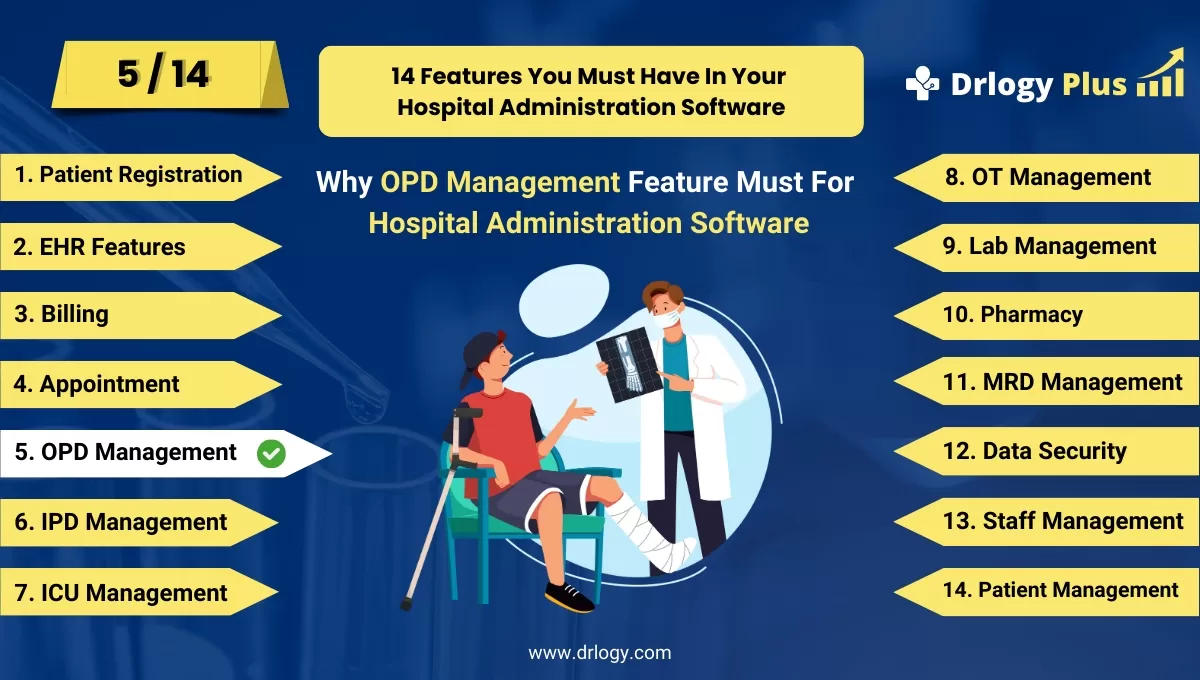
Why OPD Management Features For Hospital Administration Software
The Out-Patient Department (OPD) Management feature is crucial for ensuring efficient patient flow, enhancing the quality of care, and streamlining administrative processes.
Recommended
It centralizes the management of outpatient services, improving both patient experience and operational efficiency for Hospital Administration Software.
10 Reasons Why OPD Management Feature Must For Hospital Administration Software
Here are 10 Reasons Why OPD Management Feature Must For Hospital Administration Software.
1. Streamlined Patient Registration
- Quick Registration: Automates the registration process for faster patient onboarding.
- Digital Records: Creates and stores patient records digitally for easy access.
- Walk-In Management: Manages walk-in patients efficiently without long wait times.
- ID Integration: Supports integration with patient cards for seamless registration.
- Reduced Paperwork: Minimizes paperwork, reducing administrative burdens.
2. Efficient Appointment Scheduling
- Real-Time Scheduling: Allows real-time scheduling of appointments with available slots.
- Automated Reminders: Sends automated reminders to patients for upcoming appointments.
- Doctor Availability: Displays doctor availability, enabling better planning.
- Appointment Tracking: Tracks patient appointments to manage clinic flow effectively.
- Reduced No-Shows: Decreases patient no-shows with reminder notifications.
3. Comprehensive Patient Management
- Visit History: Tracks and stores patient visit history for reference.
- Personalized Care: Supports personalized care plans based on patient history.
- Queue Management: Manages patient queues to reduce wait times.
- Patient Follow-Up: Automates follow-up scheduling and reminders for continued care.
- Real-Time Updates: Provides real-time updates on patient status during their visit.
4. Improved Doctor-Patient Interaction
- Electronic Medical Records (EMR): Provides doctors with instant access to patient records.
- Consultation Notes: Enables doctors to record and store consultation notes digitally.
- Patient Education: Offers tools for educating patients during consultations.
- Treatment Plans: Facilitates the creation and management of personalized treatment plans.
- Efficient Consultations: Streamlines the consultation process for better time management.
5. Optimized Billing and Payments
- Automated Billing: Generates bills automatically based on services rendered.
- Cashless Payments: Supports cashless payment options for patient convenience.
- Insurance Processing: Integrates with insurance systems for claim processing.
- Transparent Charges: Provides patients with detailed billing information.
- Payment Tracking: Tracks payments and manages outstanding balances.
6. Enhanced Communication
- Patient Notifications: Sends notifications to patients about appointments and follow-ups.
- Doctor Coordination: Facilitates communication between doctors for coordinated care.
- Multi-Channel Communication: Supports communication via SMS, email, and in-app messaging.
- Patient Feedback: Collects feedback from patients to improve services.
- Centralized Communication: Centralizes all communication for easy management.
7. Efficient Resource Management
- Staff Allocation: Allocates staff based on patient load and clinic needs.
- Room Utilization: Manages the utilization of consultation rooms and resources.
- Inventory Tracking: Tracks the use of medical supplies and medications.
- Capacity Planning: Plans and manages capacity to handle peak times.
- Resource Optimization: Optimizes resource use to reduce costs and improve efficiency.
8. Advanced Reporting and Analytics
- Operational Reports: Generates reports on patient flow, doctor performance, and clinic operations.
- Real-Time Data: Provides real-time data analytics for decision-making.
- Performance Metrics: Tracks key performance metrics to monitor clinic efficiency.
- Patient Demographics: Analyzes patient demographics for targeted services.
- Financial Reports: Generates detailed financial reports to track revenue and expenses.
9. Compliance and Documentation
- Regulatory Compliance: Ensures all processes comply with healthcare regulations.
- Electronic Documentation: Supports electronic documentation for legal and regulatory purposes.
- Audit Trails: Maintains audit trails of all patient interactions and administrative actions.
- Data Security: Protects patient information with advanced security measures.
- Legal Documentation: Facilitates the management of legal documentation and consents.
10. Enhanced Patient Experience
- Reduced Wait Times: Manages patient flow to minimize wait times in the OPD.
- Comfortable Environment: Improves the patient experience with efficient and friendly service.
- Patient Education: Provides educational resources to help patients understand their care.
- Personalized Service: Tailors services to meet the specific needs of each patient.
- Continuous Improvement: Uses patient feedback to continuously improve the OPD experience.
Drlogy Hospital Administration Software Features Guide For HMIS
Here are 14 Steps Drlogy Hospital Administration Software Features Guide For HMIS Selection.
| 1. Patient Registration | 8. OT Management |
| 2. EHR Features | 9. Lab Management |
| 3. Billing Management | 10. Pharmacy |
| 4. Appointment | 11. MRD Management |
| 5. IPD Management | 12. Data Security |
| 6. OPD Management | 13. Staff Management |
| 7. ICU Management | 14. Patient Management |
Summary
In summary, A robust OPD Management feature is essential for optimizing outpatient services, enhancing patient satisfaction, and ensuring efficient clinic operations.
Explore the complete 14 steps Drlogy Hospital Administration Software guide for comprehensive insights into optimizing hospital operations and patient care.




