Drlogy
Healthcare organization
14 Best Features You Must Have in Practice Management Software
Managing a medical practice is no longer just about treating patients—it’s about efficiency, accuracy, and patient satisfaction.
Check:
Best Practice Management Software For General Practice (GP) Clinics & Hospitals
A smart Practice Management Software reduces administrative workload, enhances patient care, and improves revenue flow.
14 Best Features You Must Have in Practice Management Software
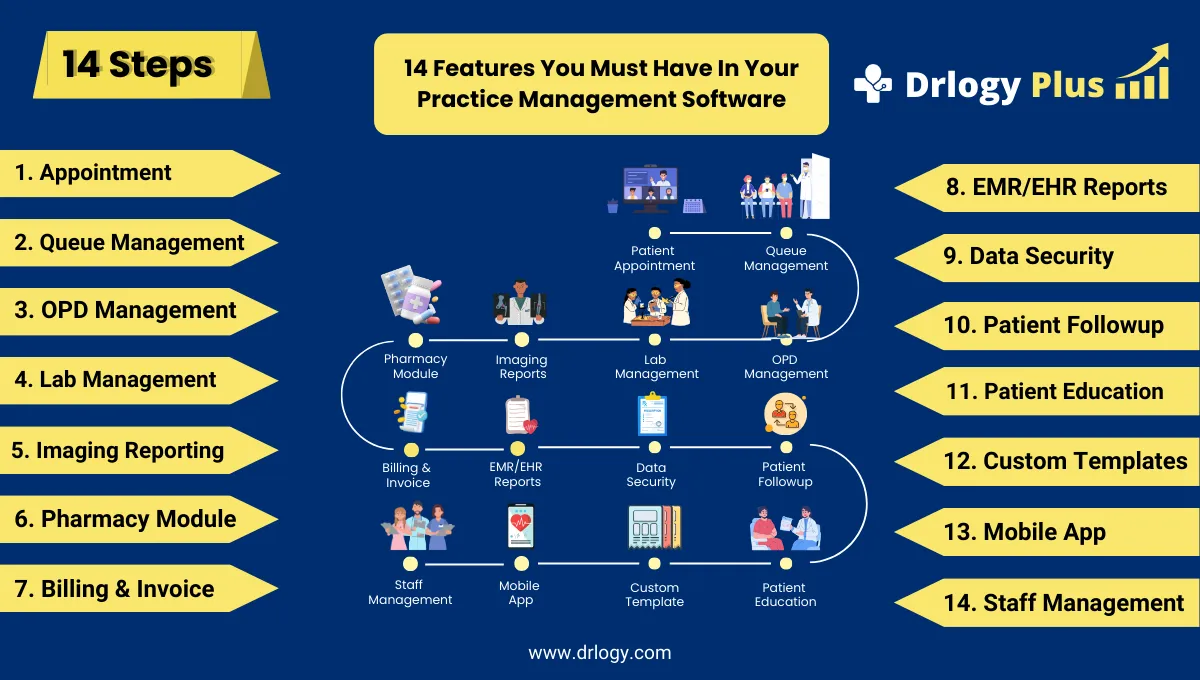
Here are 14 Best Features You Must Have in Practice Management Software.
1. Appointment Booking
- Smart scheduling with flexible time slots (10–60 minutes).
- Online booking through website or mobile app.
- Recurring appointment support for chronic patients.
- Walk-in and emergency slot management.
- SMS/Email reminders to reduce no-shows.
2. Patient Queue Management
- Token-based patient check-in system.
- Real-time queue status on doctor and patient apps.
- Multi-department routing for OPD, lab, imaging, pharmacy.
- Priority tagging for elderly or emergency patients.
- Centralized queue sync across multiple branches.
3. OPD Management
- Specialty-based OPD templates (general medicine, pediatrics, etc.).
- Vitals recording (BP, weight, SpO₂, temperature).
- Visit history with complete case notes.
- Diagnosis tagging with ICD codes.
- Treatment plan builder for prescriptions and lifestyle advice.
4. Lab Management
- Manages diagnostic test panels and custom packages.
- Barcode integration for sample tracking.
- Automated report linking with patient EMR.
- Critical value alerts for abnormal results.
- Inventory tracking for reagents and consumables.
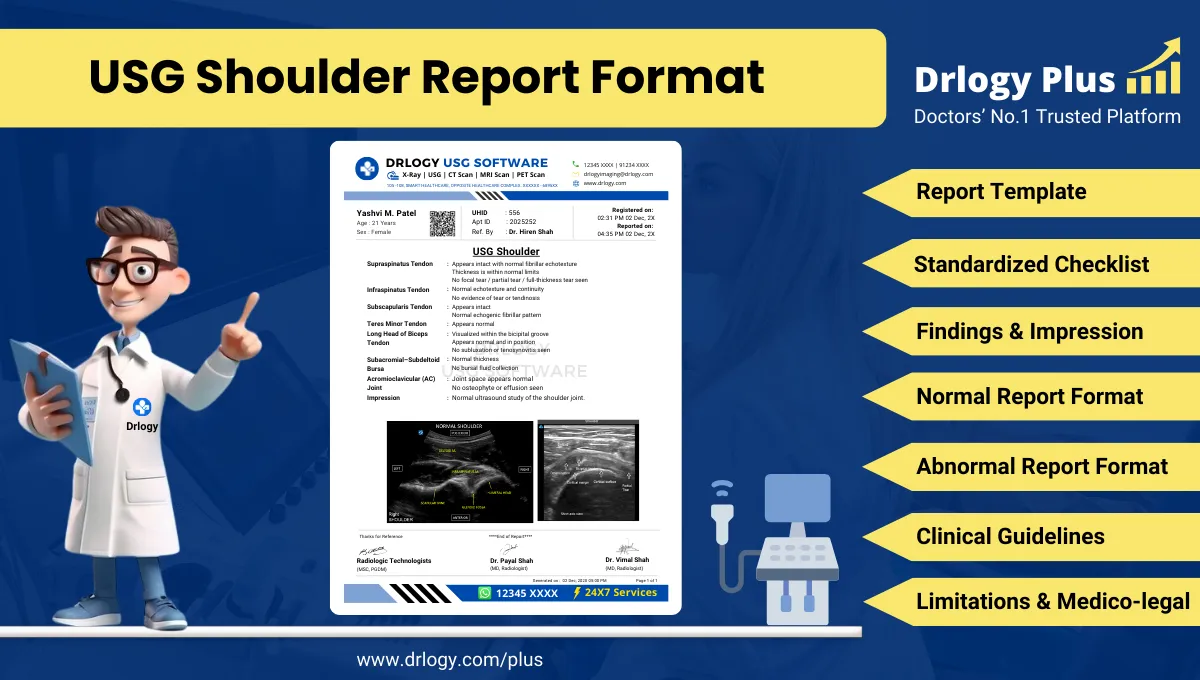
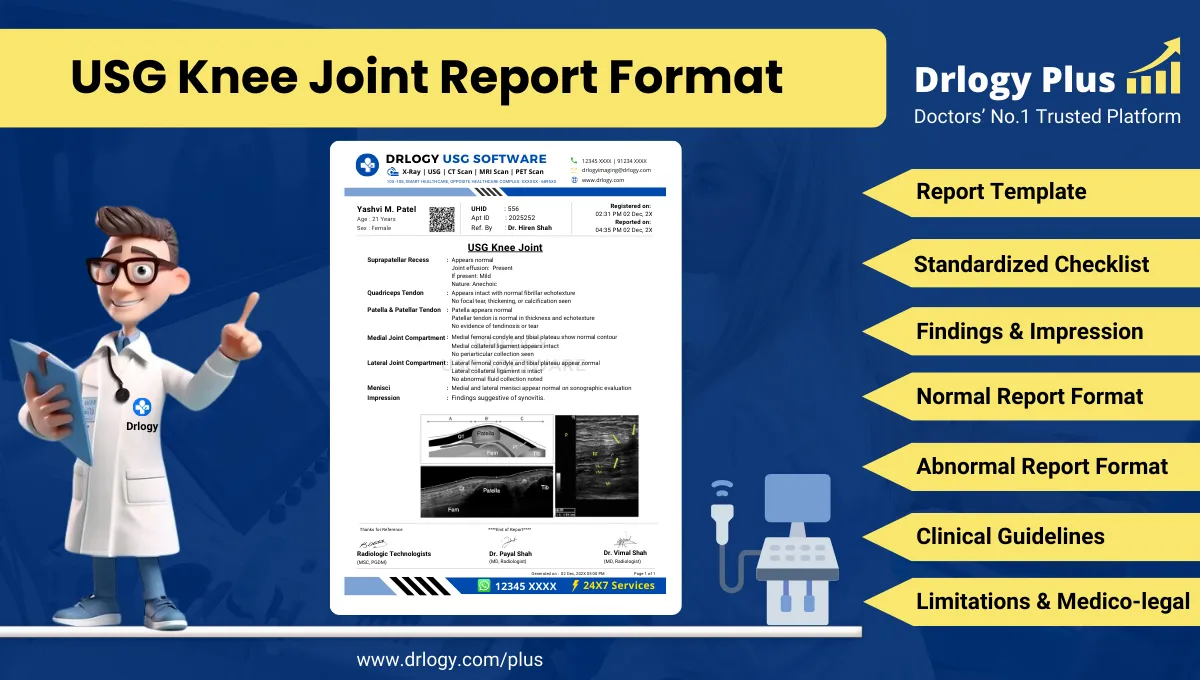
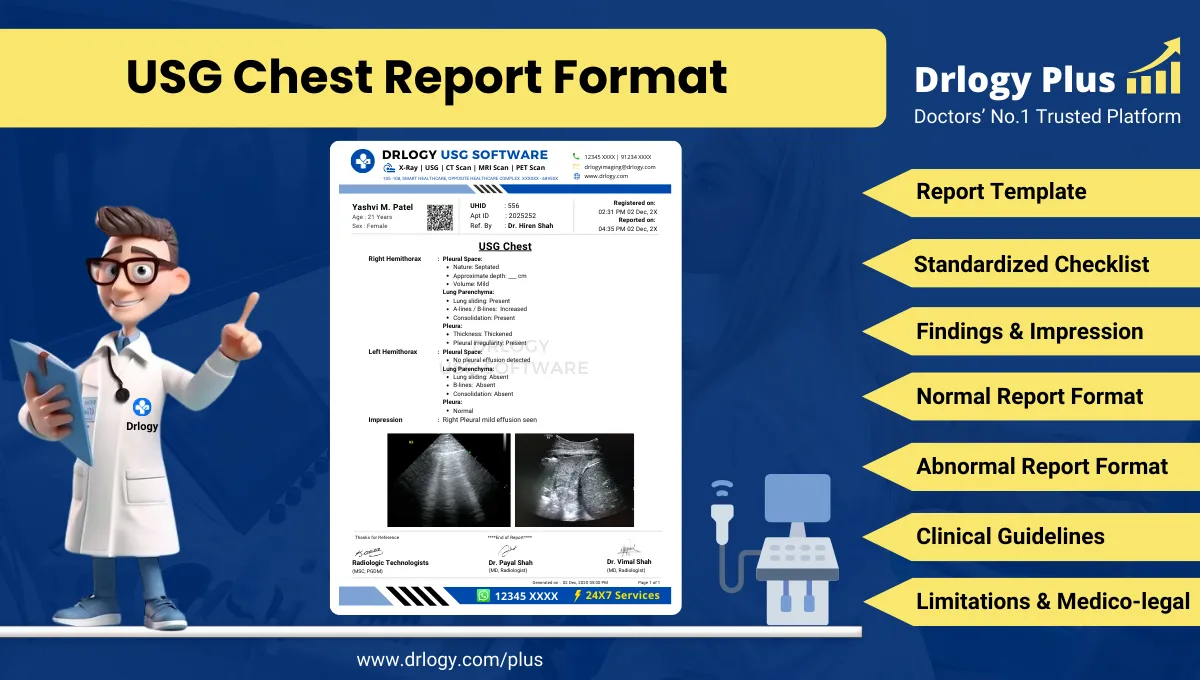
5. Imaging Reporting
- Imaging reporting management forect image access.
- Predefined imaging report templates.
- Annotation tools for highlighting findings.
- Sync imaging results with EMR/EHR.
- Cloud-based access for remote review.
6. Pharmacy Management
- Real-time stock and expiry tracking.
- Direct integration with e-prescriptions.
- Generic and brand alternatives suggestion.
- Barcode-enabled dispensing.
- Automated purchase order generation.
7. Billing & Invoice
- Instant billing for consultation, lab, imaging, pharmacy.
- Package billing for preventive and specialty care.
- Insurance/TPA billing support.
- Co-payment and subsidy alerts.
- Outstanding bill tracking and reminders.
8. EMR/EHR Reports
- Complete electronic records of patient history.
- Graphical trend reports for vitals and labs.
- SOAP-based clinical documentation.
- Quick search by name, diagnosis, or medication.
- Secure sharing with patients or referral doctors.
9. Data Security
- Role-based access control for sensitive records.
- Cloud-based encrypted storage.
- Audit trails for user activity.
- HIPAA/GDPR-compliant data handling.
- Two-factor authentication for login safety.
10. Patient Followup
- Customizable follow-up cycles based on treatment type.
- Automated notifications for lab tests or review visits.
- Missed visit alerts for inactive patients.
- Progress logs to compare old vs. new reports.
- Medication refill reminders for chronic patients.
11. Patient Education
- Infographics and FAQs for common conditions.
- Lifestyle advice on diet, exercise, and prevention.
- Complication awareness material.
- Multilingual handouts for better understanding.
- Printable content for take-home education.
12. Custom Templates
- Ready-to-use templates for common OPD cases.
- Specialty-specific customizable forms.
- One-click access during consultation.
- Editable fields for doctor’s preference.
- Standardized discharge/referral summaries.
13. Mobile App
- Patient app with prescriptions, reports, and appointments.
- Doctor app for scheduling and EMR access.
- Teleconsultation via secure video/audio.
- Push notifications for medicine reminders.
- Feedback collection from patients.
14. Staff Management
- Shift scheduling and duty rosters.
- Task assignment for OPD, lab, pharmacy staff.
- Attendance and leave management.
- Training and certification record tracking.
- Staff performance and productivity reports.
Drlogy Practice Management Software Features
Here are 14 basic features for Drlogy Practice Management Software.
Summary
Overall, A feature-rich Practice Management Software is the backbone of a successful healthcare practice—ensuring efficiency, patient satisfaction, and long-term growth.
Check Drlogy Practice Management Software Features Guide helps to support for General Practice (GP) clinics & hospitals to manage patient care with precision, from consultation to follow-up.