Drlogy
Healthcare organization
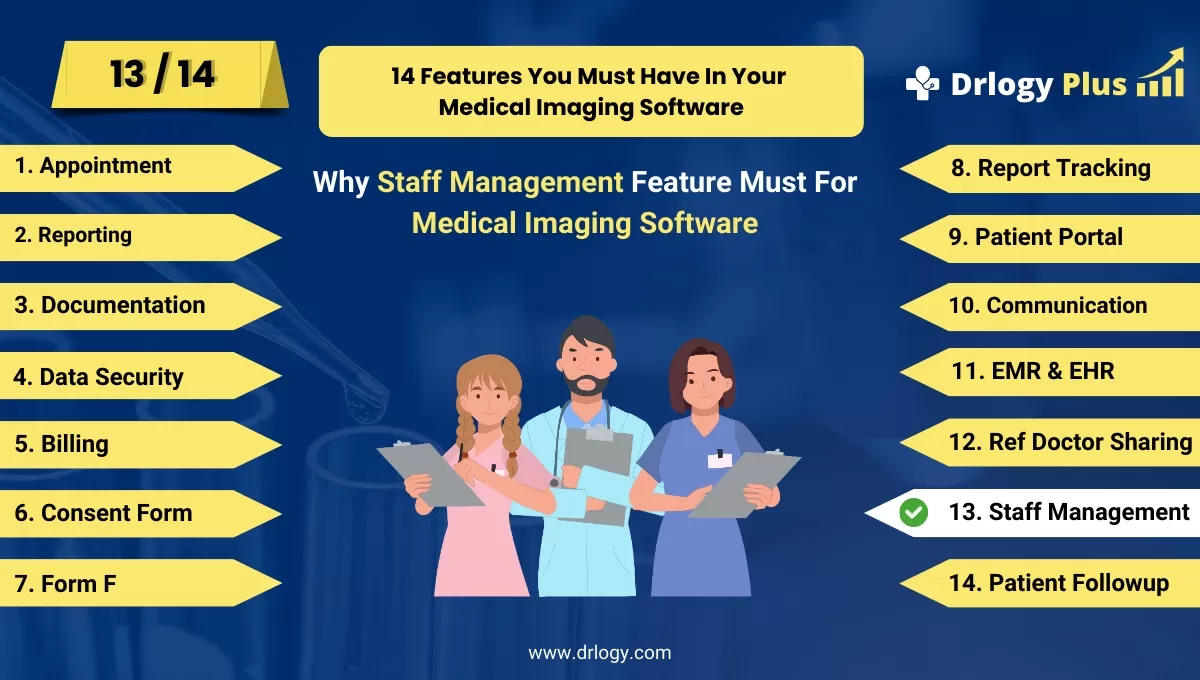
Why Staff Management Feature Must In Medical Imaging Software
Effective staff management features in medical imaging software are essential for streamlining operations, improving team coordination, and ensuring optimal patient care.
Check:
By automating tasks like scheduling, performance tracking, and compliance, these features help maintain an efficient and well-organized medical imaging facility.
10 Best Staff Management Features For Medical Imaging Software
Check 10 Best Staff Management Features for Medical Imaging Software.
1. Staff Scheduling and Shift Management
- Allows administrators to create and manage staff schedules easily, ensuring optimal coverage.
- Reduces scheduling conflicts by tracking staff availability and time-off requests.
- Automates shift assignments, improving workflow efficiency and minimizing manual errors.
- Provides alerts for overlapping shifts or unavailability, ensuring smooth operations.
- Enhances staff satisfaction by offering clear visibility of their schedules in real-time.
2. Role-Based Access Control
- Assigns specific access levels to staff members based on theirs and responsibilities.
- Protects sensitive patient data by restricting access to only those who need it.
- Simplifies workflow by ensuring that staff members have the right tools for theirs.
- Enhances security and compliance by maintaining strict control over who can access different parts of the system.
- Ensures accountability by logging all staff activity and access.
3. Task Assignment and Tracking
- Enables managers to assign tasks to specific staff members and monitor their progress.
- Improves accountability by tracking task completion and providing real-time updates.
- Ensures efficient workflow by clearly defining tasks and responsibilities.
- Allows for prioritization of tasks to ensure critical activities are completed first.
- Enhances team collaboration by providing a transparent task management system.
4. Performance Monitoring and Analytics
- Tracks staff performance metrics, such as productivity, task completion rates, and error rates.
- Provides insights into individual and team performance through detailed reports and analytics.
- Helpsentify areas for improvement and opportunities for staff development or training.
- Ensures optimal staff utilization by analyzing performance trends over time.
- Supports informed decision-making with performance evaluations.
5. Time and Attendance Tracking
- Automatically tracks staff attendance and work hours, ensuring accurate payroll processing.
- Reduces the risk of time theft by logging clock-in and clock-out times.
- Integrates with payroll systems to streamline compensation based on hours worked.
- Provides real-time insights into attendance patterns, helping managersentify absenteeism or tardiness.
- Enhances transparency and fairness in managing staff work hours and overtime.
6. Staff Communication Tools
- Offers integrated messaging systems for internal communication between staff members.
- Enhances coordination by allowing staff to communicate in real-time regarding patient care and imaging results.
- Supports better teamwork by keeping all staff members connected and informed.
- Provides a centralized platform for sharing important updates, announcements, or instructions.
- Improves response times and operational efficiency through instant messaging features.
7. Training and Certification Tracking
- Keeps records of staff qualifications, certifications, and mandatory training sessions.
- Ensures compliance by tracking the expiration of certifications and scheduling renewals.
- Enhances staff development by offering easy access to training materials and progress tracking.
- Improves patient safety by ensuring that all staff members have up-to-date training.
- Supports professional growth by helping managersentify areas where additional training is needed.
8. Staff Feedback and Reporting
- Provides a platform for staff members to offer feedback on workflows, processes, or management.
- Enhances workplace morale by giving staff a voice in improving operations.
- Helpsentify potential issues or inefficiencies by analyzing staff feedback.
- Supports a collaborative culture by encouraging open communication between staff and management.
- Allows managers to make informed changes based on input from the team.
9. Workload Balancing Tools
- Distributes workload evenly among staff members to prevent burnout and improve productivity.
- Helps avoid bottlenecks by monitoring real-time task loads and adjusting assignments accordingly.
- Ensures that no staff member is overburdened while maintaining workflow efficiency.
- Enhances patient care by ensuring that staff are not overwhelmed and can focus on their tasks.
- Improves team performance by balancing workload according to each staff member's expertise and capacity.
10. Compliance and Regulatory Management
- Tracks staff adherence to healthcare regulations and internal policies.
- Ensures compliance with legal requirements like HIPAA by managing staff activities and training.
- Provides alerts for any non-compliance issues, helping managers address them before they become critical.
- Reduces the risk of legal complications by ensuring all staff follow standardized protocols.
- Enhances staff accountability by maintaining records of compliance-related activities.
Drlogy Medical Imaging Software Features Guide
Here's a full guide for the 14 best Medical Imaging Software features.
| 1. Appointment | 8. Report Tracking |
| 2. Reporting | 9. Patient Portal |
| 3. Documentation | 10. Communication |
| 4. Data Security | 11. EMR & EHR |
| 5. Billing | 12. Ref Doctor |
| 6. Consent Form | 13. Staff |
| 7. Form F | 14. Patient Followup |
Summary
Overall, These staff management features are key for optimizing workflow, ensuring staff accountability, and enhancing overall efficiency in medical imaging facilities.
Check Drlogy Medical Imaging Software Features Guide provides a detailed overview of key features to optimize medical imaging centers operations and improve patient management efficiency.




