
Drlogy
Healthcare organization
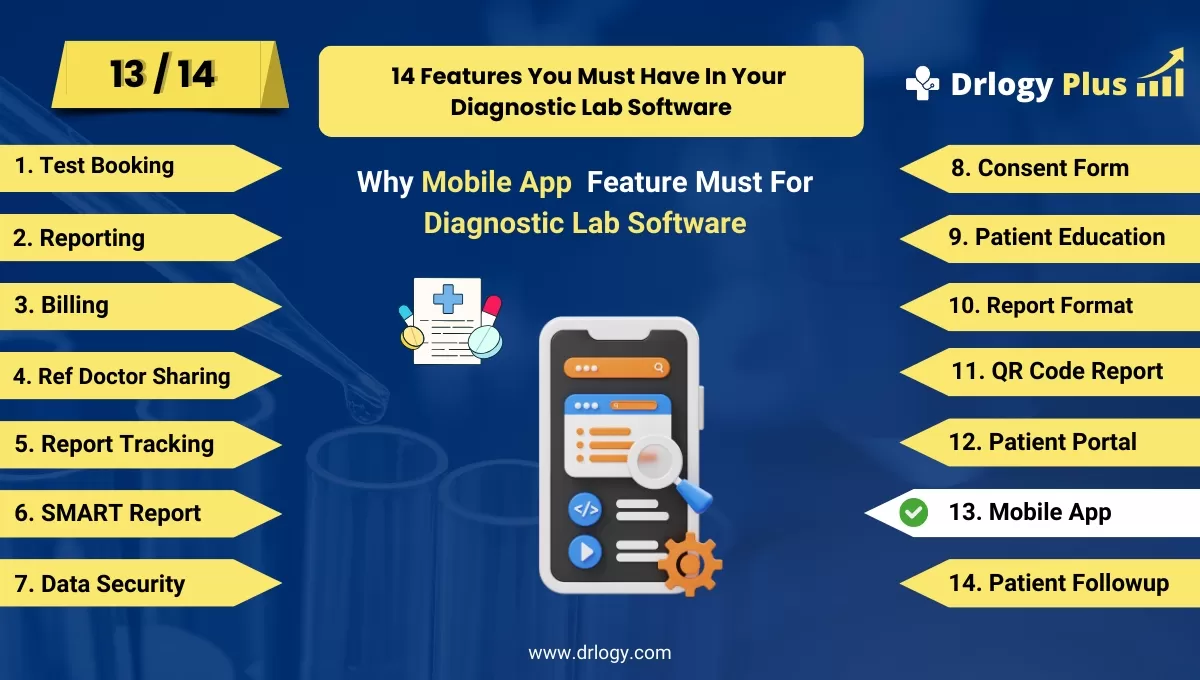
Why Mobile App Feature Must For Diagnostic Lab Software
Mobile app features in diagnostic lab software play a vital in enhancing patient convenience, streamlining lab processes, and improving overall satisfaction.
Check
By offering easy access to lab reports, appointment scheduling, and secure payments, these features elevate patient engagement and drive practice growth.
10 Best Mobile App Features For Diagnostic Lab Software
Here are 10 Best Mobile App features For Diagnostic Lab Software.
1. Easy Lab Report Access
- Provides patients with 24/7 access to their lab reports through the mobile app.
- Allows downloading of reports in PDF format for easy sharing with doctors.
- Notifies patients when new reports are available, improving convenience.
- Enables secure access with encryption to protect patient data.
- Offers a search function to quickly find specific reports based on date or test type.
2. Appointment Scheduling
- Allows users to schedule lab appointmentsectly through the app.
- Sends reminders for upcoming appointments, reducing no-shows.
- Enables easy rescheduling or cancellation of appointments.
- Integrates with patient calendars to sync appointment times.
- Offers real-time availability of lab slots for immediate booking.
3. Test Result Notifications
- Sends instant push notifications when lab test results are ready.
- Provides real-time updates on the status of ongoing tests.
- Customizes notifications based on patient preferences (SMS, email, or app alerts).
- Offers summary resultsectly within the app for quick viewing.
- Ensures patients stay informed without needing to call the lab.
4. Test Preparation Guidelines
- Provides clear, step-by-step instructions for preparing for various lab tests.
- Includes fasting or medication guidelines based on specific tests.
- Offers personalized reminders for preparation, ensuring accurate test results.
- Delivers test preparation content in multipleuages for broader accessibility.
- Ensures patients are well-prepared before arriving at the lab.
5. Doctor Referrals and Communication
- Allows doctors to refer patients to the lab via the app.
- Enables secure communication between doctors and the lab for special instructions.
- Shares test resultsectly with referring physicians through the app.
- Provides patients with the option to send their reports to their doctor electronically.
- Enhances collaboration between healthcare providers and the diagnostic lab.
6. Secure Payment Options
- Offers multiple payment methods such as credit card, online banking, and mobile wallets.
- Enables patients to pay for lab testsectly through the app.
- Provides detailed billing statements and payment history for easy tracking.
- Sends payment reminders and notifications for due bills.
- Ensures secure transactions with encryption to protect financial information.
7. Health Data Tracking
- Allows patients to track their health metrics over time with visual charts and graphs.
- Stores all test results, enabling easy comparison of past and current reports.
- Helps patients monitor trends in key health indicators such as cholesterol or glucose levels.
- Offers insights into health patterns, empowering patients to make informed decisions.
- Provides easy sharing of historical data with healthcare providers for better care coordination.
8. Multiple Lab Integration
- Enables patients to connect with different labs within the same app.
- Allows access to reports from various lab locations, providing a unified experience.
- Supports lab switching without losing previous data, ensuring continuity of care.
- Offers location-based services, showing nearby labs for easy access.
- Facilitates lab comparison for services, prices, and availability.
9. Patient Support and FAQ Section
- Provides an in-app support system where patients can ask questions or report issues.
- Offers a comprehensive FAQ section addressing common concerns like test procedures, billing, and app usage.
- Integrates with chatbots for real-time assistance with basic inquiries.
- Ensures quick resolution of issues throughect communication with support teams.
- Enhances patient satisfaction by providing immediate help when needed.
10. Multi-language Support
- Provides the entire app interface in multipleuages to cater to diverse patient populations.
- Offersd test results and preparation instructions in preferreduages.
- Enhances usability for non-native speakers, improving access to lab services.
- Allows patients to switchuages seamlessly within the app.
- Increases accessibility for patients from different linguistic backgrounds, fostering inclusivity.
14 Steps Guide For Diagnostic Lab Software
Here are 14 Steps Guide For Diagnostic Lab Software.
| 1. Online Test Booking | 8. Consent Form |
| 2. Reporting | 9. Patient Education |
| 3. Billing | 10. Mobile App |
| 4. Ref Doctor Sharing | 11. QR Code Report |
| 5. Report Tracking | 12. Patient Portal |
| 6. SMART Report | 13. Online Test Booking |
| 7. Data Security | 14. Patient Followup |
Summary
Overall, Incorporating mobile app features into diagnostic lab software enhances convenience, improves patient engagement, and streamlines lab operations, ultimately leading to better patient satisfaction and growth.
Also, Check our complete 14 steps Drlogy Diagnostic Lab Software Buying Guide guide to make an informed decision and streamline your diagnostic Lab growth and Lab management and growth.




