Drlogy
Healthcare organization
Why Doctor Sharing Feature Must In OT Management Software
Efficient doctor sharing features in OT management software are crucial for enhancing collaboration, optimizing surgical workflows, and improving patient outcomes.
Check:
These tools facilitate real-time communication, shared access to critical patient information, and seamless integration with other medical systems.
Check:
10 Best Doctor Sharing Features for OT Management Software
Check 10 Best Doctor Sharing Features for OT Management Software.
1. Real-time Collaboration Tools
- Instant messaging for quick communication between surgeons and staff.
- Video conferencing for pre-op consultations and team meetings.
- Shared digital whiteboards for drawing and explaining procedures.
- Collaborative document editing for joint review of surgical plans.
- Notifications and alerts for real-time updates on surgery progress.
2. Shared Patient Records
- Centralized access to patient medical history and surgical notes.
- Real-time updates to patient records during and after procedures.
- Secure,-based access to ensure data privacy.
- Integration with electronic health record (EHR) systems.
- Customizable dashboards for easy viewing of patient information.
3. Scheduling and Calendar Syncing
- Shared calendars for scheduling surgeries and managing OT availability.
- Automatic conflict detection and resolution.
- Reminders and notifications for upcoming surgeries.
- Syncing with personal calendars (e.g., Google Calendar, Outlook).
- Real-time updates to all team members' schedules.
4. Task and Checklist Management
- Shared task lists to assign and track surgical preparations.
- Pre-defined checklists for standard operating procedures.
- Real-time status updates on task completion.
- Delegation of tasks with due dates and priorities.
- Integration with reminders and notifications for pending tasks.
5. Performance Analytics and Reporting
- Shared dashboards showing key performance indicators (KPIs).
- Real-time data visualization for ongoing surgeries.
- Detailed reports on OT utilization and efficiency.
- Comparative analysis of surgical outcomes across teams.
- Automated report generation and sharing capabilities.
6. Secure Messaging and File Sharing
- End-to-end encryption for all communications.
- Instant sharing of documents, images, and videos.
- HIPAA-compliant messaging platform.
- Message history and file access logs.
- Role-based access control for shared files.
7. Integrated Learning and Training Modules
- Shared access to training videos and educational materials.
- Interactive training modules with progress tracking.
- Simulation tools for surgical practice and collaboration.
- Peer review and feedback on training exercises.
- Certification tracking and management for surgeons.
8. Remote Monitoring and Assistance
- Live video feeds from the OT for remote assistance.
- Telemedicine integration for remote consultations.
- Real-time monitoring of patient vitals during surgery.
- Remote control of surgical cameras and equipment.
- Alerts and notifications for remote supervisors.
9. Customizable Templates and Protocols
- Shared templates for surgical planning and documentation.
- Customizable protocols for different types of surgeries.
- Ability to create and share checklists and guidelines.
- Standardized forms for pre-op and post-op documentation.
- Version control for tracking changes to shared documents.
10. Integration with Other Medical Systems
- Seamless integration with EHR, PACS, and LIS systems.
- Shared access to diagnostic images and lab results.
- API integrations for custom workflows and data sharing.
- Bi-directional data flow to update systems in real-time.
- Centralized patient information across all integrated systems.
These features enhance collaboration, efficiency, and patient safety in OT management, making them essential for modern surgical practices.
Drlogy OT Management Software Features Guide
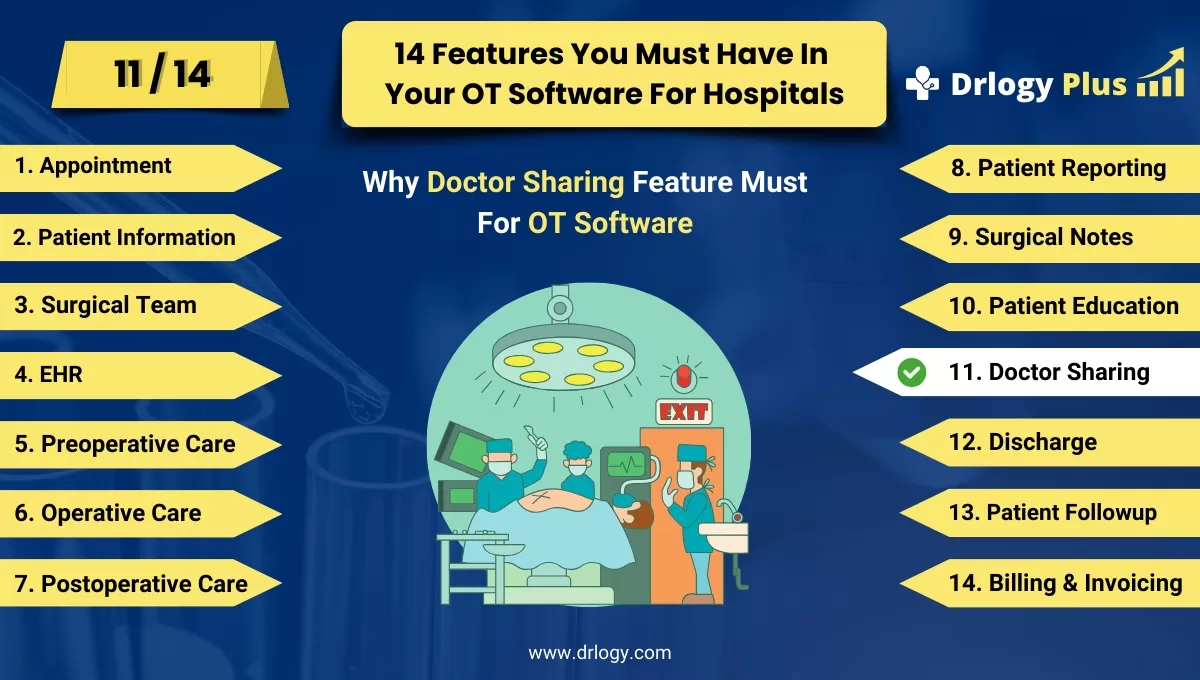
Here are 14 features of Operation Theatre (OT) Management Software for hospitals.
| 1. Appointment | 8. Patient Reporting |
| 2. Patient Information | 9. Surgical Notes |
| 3. Surgical Team | 10. Patient Education |
| 4. EHR | 11. Doctor Sharing |
| 5. Preoperative Checklists | 12. Discharge |
| 6. Operative Preparation | 13. Patient Followup |
| 7. Postoperative Care | 14. Billing and Invoicing |
Summary
Overall, Efficient doctor sharing features in OT management software enhance collaboration and streamline surgical workflows, ultimately improving patient outcomes.
Check Drlogy OT Management Software Features Guide for efficient inpatient management and enhanced patient care for your clinics and hospitals for patient management.




